⚠️ No free trial · No adult content

Download

Download Hot Player for Strong8K IPTV

Hot Player is the app we supply and activate with every Strong 8K subscription, at no extra cost.

Put it on a Smart TV, a Firestick, an Android device, an iPhone, a PC or a Mac: those same three login details carry across all of them, so switching screens never costs you another order.
12months

Our most popular plan

A 12 month IPTV subscription: download once, watch all year

  • Login details by email
  • One single payment
  • No automatic renewal
  • 24/7 technical support
$59.99 about $5.00 per month
Choose 12 months

Included app

Hot Player, included with Strong8K

One player, whatever the screen. An IPTV subscription rises or falls on the app playing it, so we hand you Hot Player already activated instead of leaving the choice on your shoulders.

Hit Download and the full walkthrough opens up.
Our first choice

Hot Player

Included with every Strong 8K plan

A fast, lightweight IPTV player that works on nearly any screen you own.

Tidy interface, no fuss with playlists, and playback that holds together on modest hardware.
  • Normally a paid app, included with your Strong 8K subscription at no extra cost
  • The only player on this page that covers television, mobile and computer alike
  • Connects with Xtream Codes or an M3U playlist, whichever suits your device
Setup guide

Hot Player is included at no extra cost with every Strong 8K plan, and it is the only player we supply and support. We steer people away from third-party apps: their links shift often and eventually get blocked, which cuts playback off mid-stream.

Hot Player is activated on our end, so there is never a link for you to re-enter.

In pictures

Choosing a strong IPTV player for your screen

On the television, navigation comes first

Sitting back from a large screen with a remote in hand, what counts is not how many options an app offers but how fast it puts you on a channel. Our comparison of the main IPTV players sets out what each one does well and which screen it suits.

In the living room Hot Player remains our first pick, and your subscription already covers it.
  • On Firestick and Android TV, the Downloader code saves any searching
  • On Samsung and LG Smart TV, installation goes through the television store
  • A wired Ethernet connection stays steadier than Wi-Fi
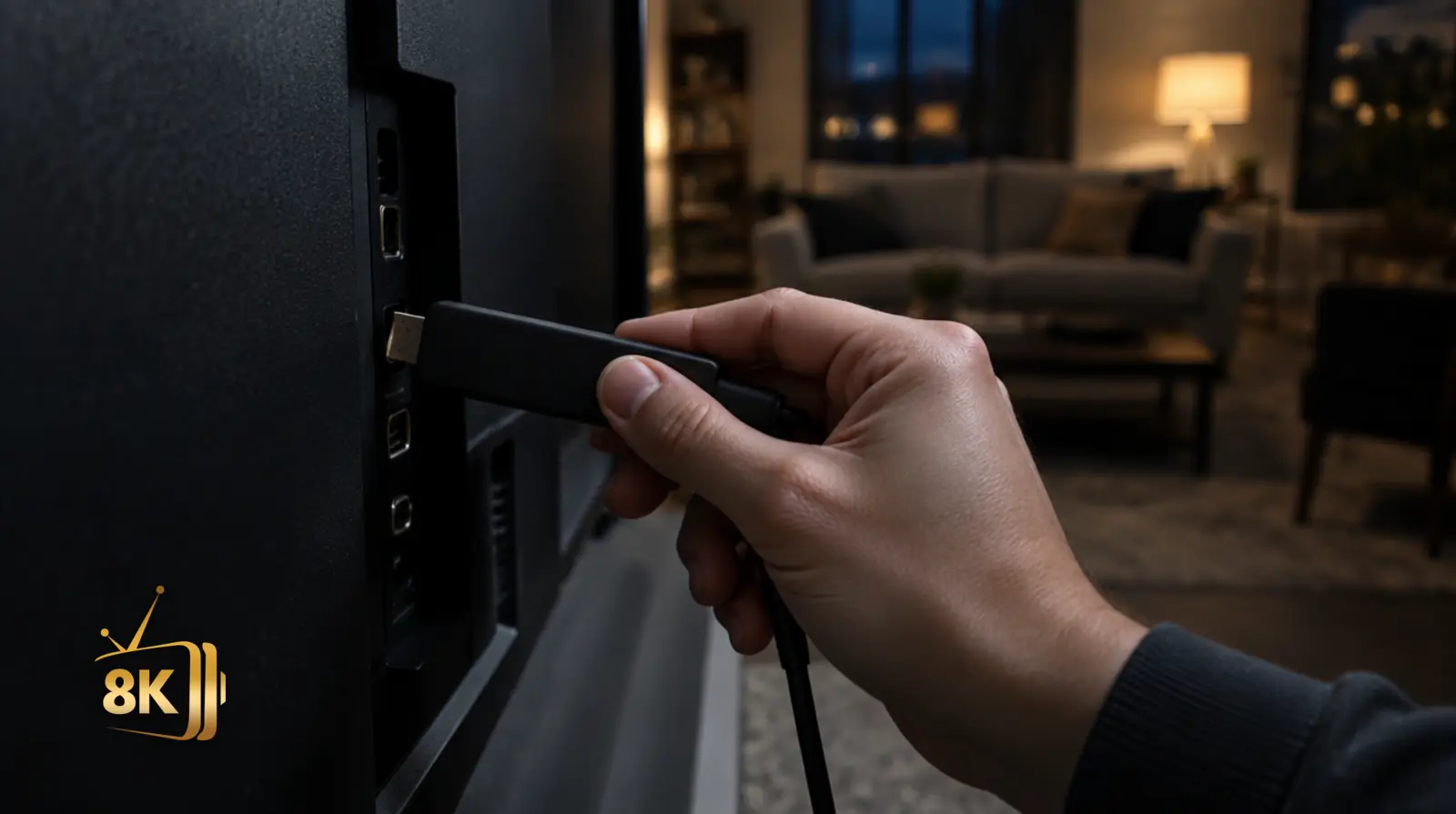
A streaming stick being plugged into the HDMI port on the back of a wall-mounted television
Man watching a live game on his phone from the porch steps of a suburban house

On mobile, keep it simple

On a phone or a tablet, Strong 8K sets up in about a minute and has to stay readable one-handed.

Nothing beyond your login details is required, provided the television is not already streaming at that moment.
  • Installed from the official store on your device
  • Resolution worth adjusting to your mobile data plan
  • The number of simultaneous streams depends on your plan

On a computer, from quick test to daily use

A computer is often where people confirm their strong IPTV access works before moving to the television.

After that it earns its place keeping a channel in the corner of your screen while you work.
  • Microsoft Store on Windows, Mac App Store on macOS
  • Otherwise the developer’s own official installer
  • Output resolution worth matching to your screen
Man watching a live tennis match on a widescreen monitor at a home office desk in the evening

Installing Strong8K on your device

01

Hot Player on a Samsung or LG Smart TV

On a connected television, everything hinges on the built-in store. Samsung sets run Tizen and LG sets run webOS, and neither system accepts anything its maker has not approved. Nothing external can be sideloaded, which is exactly why the Downloader code has no bearing on these devices.

Instead you look the player up by name in the television's app store, and our step by step setup guide walks through it brand by brand.Hisense sets on Vidaa and TCL models work the same way: every brand runs its own store with its own list of compatible apps. Where yours carries no suitable player, a Firestick or an Android TV box in a spare HDMI port settles it without buying a new television.

Your Strong 8K subscription carries on unchanged, using the login details already in your inbox.
02

Android TV, Firestick and boxes: what the Downloader code does

On Android TV, on Xiaomi-style boxes and on Fire TV sticks you have a shortcut that Samsung and LG televisions do not: the Downloader app. A short numeric code is all it needs to pull down an installation file, and no computer enters into it.

When your device store has no listing for the player you want, this is the fastest way in.That code carries meaning on those systems alone, since Downloader was never built for anything else. On Samsung and LG Smart TVs, and on Apple TV, iPhone, iPad, Windows or macOS, the player comes from the official store by searching its name.

A card on this page displays a code only where one exists: where none appears, that silence is telling you something rather than hiding it.
03

Downloading an IPTV player on PC, Mac, iPhone or Apple TV

On a computer the download goes through the Microsoft Store on Windows and the Mac App Store on macOS, or failing that the player developer’s own site.

A computer makes a useful test bench: you verify the login details answer before you go near the living room television.Across Apple devices the App Store handles everything, whether you are on iPhone, iPad or Apple TV. No installation happens outside the official store on these devices, which once more accounts for the missing Downloader code.

Each card flags the relevant players on its Devices line.
04

How to choose: what to check before downloading

Start from the device in front of you, never from the app itself. An Android TV player will not run on a Samsung television, and a Samsung one will not run on Android TV. The Devices line on each card spares you that wasted step, and the version listed is the one we tested ourselves. Our Strong8K setup guide explains why we settled on Hot Player.

Then check where the file comes from. Stick to your device’s official store or the developer’s own site: those are the only two sources we pass on. Strong 8K publishes none of the third-party apps listed here: their authors set their own terms and their own business model. Hot Player is the exception: it is included in all our subscription plans, at no extra cost.

Where to download Strong8K on each device

The official route for each device, and how much setup a strong IPTV install actually takes on it.

Where to download Hot Player by device
DeviceAppWhere to get itConfiguration
Samsung and LG Smart TVHot PlayerSamsung Apps / LG Content StoreSimple
Android TV and Android boxesHot PlayerPlay Store or Downloader codeIntermediate
Fire TV Stick and Fire TVHot PlayerAmazon Appstore or Downloader codeIntermediate
Apple TV, iPhone and iPadHot PlayerApp StoreSimple
Windows PC and MacHot PlayerMicrosoft Store or developer’s siteAdvanced

Strong8K IPTV players: your questions

Which IPTV player should I use with Strong 8K?

Hot Player, supplied with your subscription. It is the single player we install and activate, it reaches Android, iOS, Smart TV, PC, Mac and Firestick, and every Strong 8K plan includes it.

Should your television store not stock it, connect an Android TV or Firestick device over HDMI, where Hot Player installs without argument.
How do I install Hot Player on a Samsung or LG TV?

Look the player up by name in the television’s built-in store, which is Tizen on Samsung and webOS on LG.

Only manufacturer-approved apps get through on these systems: nothing external can be added, and the Downloader code is of no use here.
How do I install Hot Player on a Firestick or Android TV?

Two routes are possible on these devices. One route runs through the built-in store, searching the player by name. The other uses Downloader: you enter a numeric code and it pulls the installation file straight down, with no computer in the loop. That second route wins on speed whenever the store has no listing for the player you want.

The relevant cards display the code, and Hot Player runs on both systems.
How do I install Hot Player on iPhone, iPad or Apple TV?

The App Store handles every installation, being the only source these devices permit. You will find Hot Player published there under its developer's name. There is no Downloader code to enter and none could exist: Apple devices have no such app.

With the player installed, setup proceeds exactly as on any other device, using your three Xtream Codes details.
How do I download an IPTV player on a PC?

Windows machines use the Microsoft Store or the developer’s own site; macOS machines use the Mac App Store. Confirming your login details answer is usually fastest on a computer, before you touch the living room television.

It then stays useful for following a program while you work, with the output resolution matched to your screen.
Which devices does the Downloader code work on?

Firestick and Android TV only, set-top boxes included, because no other platform has the Downloader app. A Samsung running Tizen, an LG running webOS, an Apple TV, an iPhone, an iPad, Windows or macOS simply has no such app: you search the device store by name instead.

So a card without a code is telling you something deliberate, not covering up an omission.
Is Hot Player included with a Strong 8K subscription?

Yes. Normally it is a paid app, yet every plan includes it at no extra cost whatever its length, so no separate license ever needs buying. Hot Player is the sole app we supply and stand behind, which leaves no other software for you to purchase or configure alone.

Third-party players answer to their own developers under their own business model, none of which is ours to control.

Ready to get started?

Still need a subscription?

Downloading the app is only half of it: a Strong8K subscription supplies the three login details that make it work.

Pick a plan and they land in your inbox within minutes.

For the full range of plans and what a subscription includes, see the Strong 8K home page.

Subscribe